Does the image leave my device?
No. The current generator reads the selected image through your browser and builds the ZIP locally. There is no account, upload endpoint, or cloud generation step in this release.
 GPT Skin
Free online Codex tool
Turn an image into a readable Codex theme concept without writing CSS by hand. Upload your artwork, adjust the veil and blur, inspect it behind a realistic coding workspace, and export the reusable pack from your browser.
What this tool creates
The download includes your artwork, theme configuration, and a community Dream Skin Studio runtime with installation, verification, and restore scripts for the official macOS Codex Desktop app. Unzip it and review the README before running the installer yourself. This is not an official OpenAI feature, and compatibility with the latest desktop client has not been verified in this release. ChatGPT and Claude exports contain design assets only.
Create your own
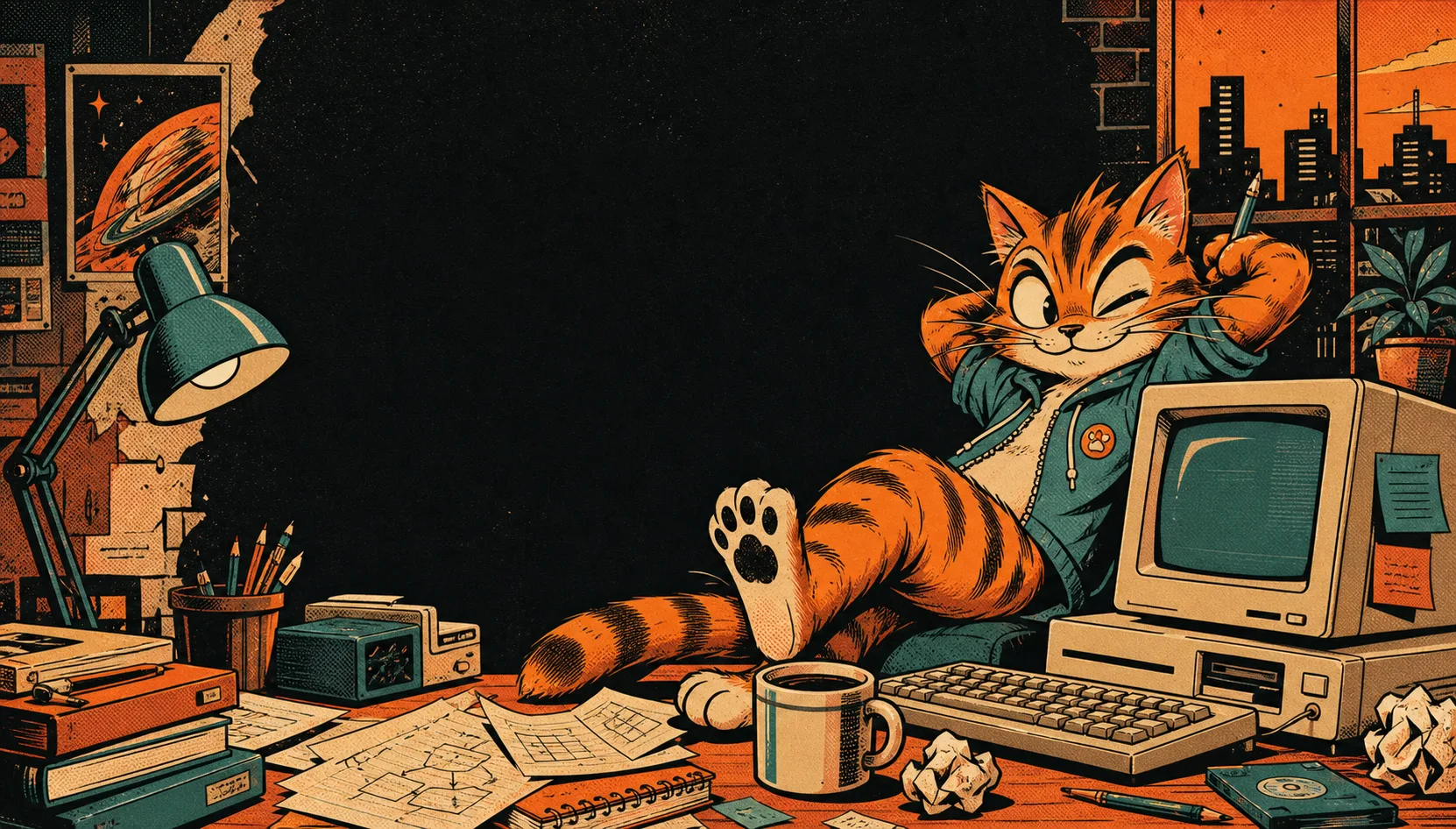
Use a PNG, JPG, or WebP you created or have permission to reuse. A wide image with a quiet center usually leaves the most room for task content, the composer, navigation, and status controls.
Adjust the readability veil, background blur, and interface text color while watching the live specimen. The preview is intentionally dense so attractive artwork cannot hide a weak contrast decision.
The browser creates a ZIP with Install My GPT Skin.command, a README, and the bundled .codex-dream-skin-studio runtime. Its assets include theme.json and your background. Unzip the entire folder and inspect the files before running the command on macOS.
Featured skins
A good skin supports the task rather than competing with it. Start with a restrained mood, then replace the artwork with something personal.



Safe by separation
The browser builds the package locally; you decide whether to run its bundled macOS adapter after reviewing compatibility and restore instructions.
Desktop themes can depend on internal document structure, renderer targets, process checks, launch flags, platform paths, code signing, and operating-system security prompts. Those details may change after an update even when the exported image and color choices are still perfectly useful. A bundled runtime still needs a compatibility check; successfully downloading it does not prove that it works with the latest desktop client.
GPT Skin bundles the macOS Dream Skin Studio adapter with your theme. Downloading the ZIP does not run it or connect to Codex. To install, unzip the full package and run Install My GPT Skin.command yourself after reading its README. Review the bundled verification and restore scripts, check the adapter against your app version, and verify that native controls remain clickable after the theme loads. The latest client installation and restoration have not been verified in this release. The complete Codex Dream Skin guide explains that boundary step by step.
If a theme stops after an application update, restore the official appearance first. Then verify the adapter version and installation path instead of increasing CSS specificity or permanently editing the signed application bundle. The visual pack should remain the stable asset; the adapter is the replaceable integration layer.
Codex is not a static wallpaper canvas. Project names, diff views, task output, code, terminal text, approval controls, and the composer can occupy different regions from one session to the next. Choose artwork whose important subject can survive cropping and whose brightest details do not sit directly behind the center reading column.
Test the design at a narrow width as well as a large monitor. If navigation collapses, the focal point may move behind the content. A strong pack still feels intentional after that shift because contrast comes from the veil and interface hierarchy, not from one perfectly positioned screenshot.
Frequently asked questions
Short answers to the questions that matter before you export or install.
No. The current generator reads the selected image through your browser and builds the ZIP locally. There is no account, upload endpoint, or cloud generation step in this release.
It includes a macOS Codex Desktop installer, but downloading the ZIP does not install anything. Unzip it completely, read README.txt, then run Install My GPT Skin.command if the bundled adapter supports your setup. Installation, verification, and restore scripts are included. This community package is not an official OpenAI feature; latest-client compatibility remains unverified.
Yes, if you own or have permission to redistribute the image. Share the ZIP and installation source together so recipients can inspect the files, understand the target platform, and follow current compatibility guidance safely.
The viral project
The open-source project made the idea easy to understand: choose a favorite image, keep the native Codex controls interactive, and apply the visual layer through a reversible local adapter. Its community gallery showed that a skin can feel personal without turning the whole window into a fake screenshot. Compare the best GPT skin directions for 2026, follow the complete creation guide, or see how the same portable design layer changes for the ChatGPT skin generator.
Review the open-source project