It does create a real download
The ZIP is generated on your device and includes structured theme values. You can inspect, archive, modify, or share it when you have rights to the source image.
 GPT Skin
ChatGPT Desktop visual studio
Use the ChatGPT skin generator to preview a ChatGPT desktop theme from your own image before exporting the visual pack locally. Tune contrast against a realistic workspace, keep your image in the browser, and keep installation separate from design.
A visual builder, not a patcher
GPT Skin creates the artwork and readable color layer. It does not modify the official ChatGPT application, bypass signing, or promise that an unofficial selector will survive the next desktop update.
How it works
Select an image you own or a built-in gradient. Artwork with a clear focal point and quieter central area usually performs better behind conversation text, tool results, navigation, and the composer.
Move the veil and blur controls until small interface text remains stable, not just the large preview heading. Change the text color only when it improves contrast across both the brightest and darkest parts of the image.
Download the manifest, CSS variables, README, and optional background. The manifest records ChatGPT Desktop as the intended platform so a future adapter or collaborator can understand the pack without guessing.
Design for real conversations
The conversation surface changes constantly, so the background cannot assume one fixed block of copy.
Look past the background image and inspect the hierarchy. Navigation labels, project names, status text, suggestion cards, the composer, and primary actions must remain visually distinct. A theme that works only when the page is empty will fail as soon as a response contains code, tables, citations, or tool output.
Start with a readability veil around the middle of the range, then reduce it only if the image still stays behind the interface. A small blur can suppress high-frequency texture without erasing the focal subject. If the background has a very bright face, logo, horizon, or light source, move that focal point away from the center where conversation content is most likely to appear.
The export is intentionally simple. Portable tokens survive product changes better than a pile of hard-coded selectors. When the ChatGPT desktop structure changes, a maintained adapter can map the same image, overlay, blur, and text values to new verified targets instead of forcing you to redesign the skin.
Featured looks
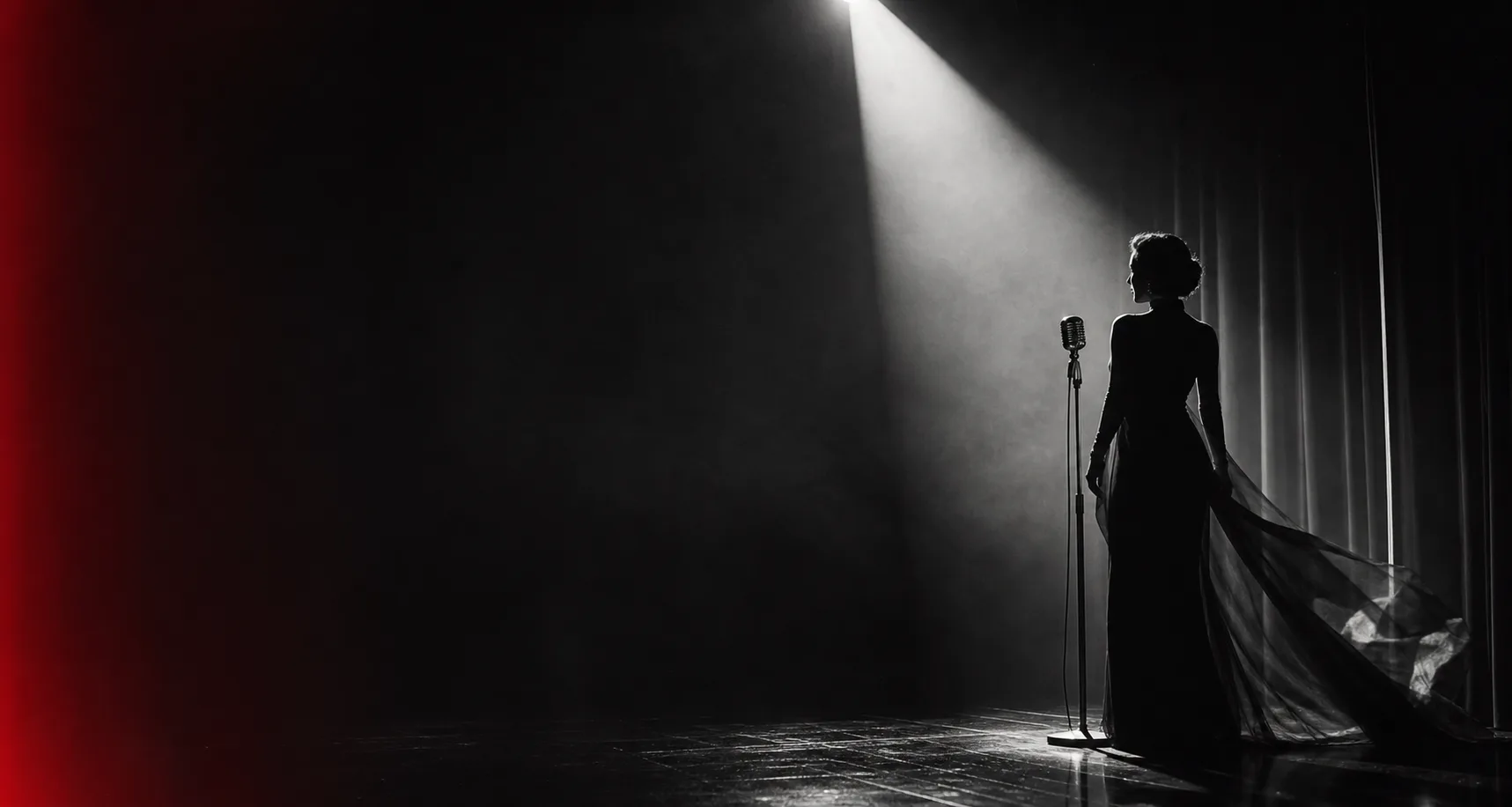
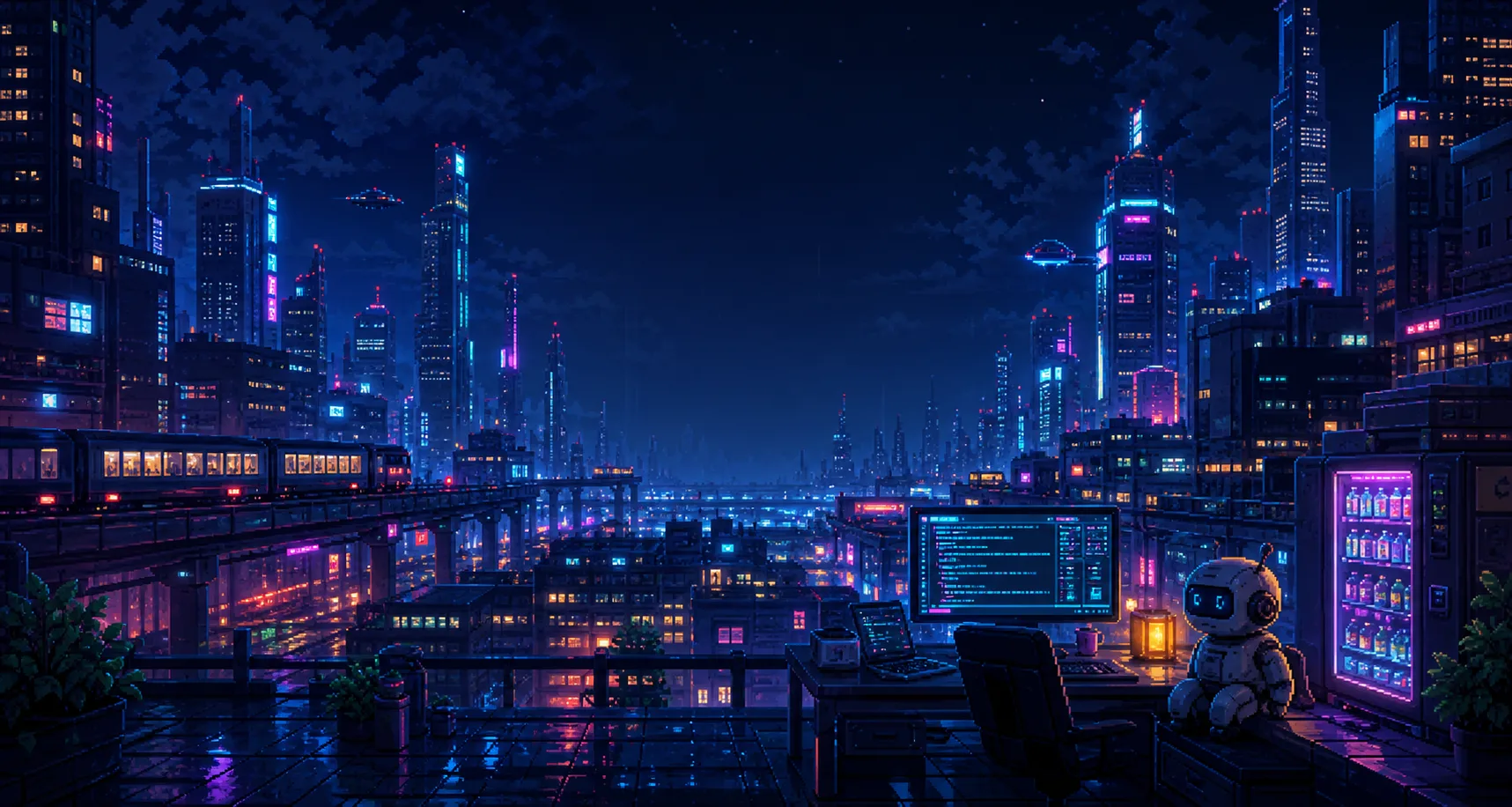
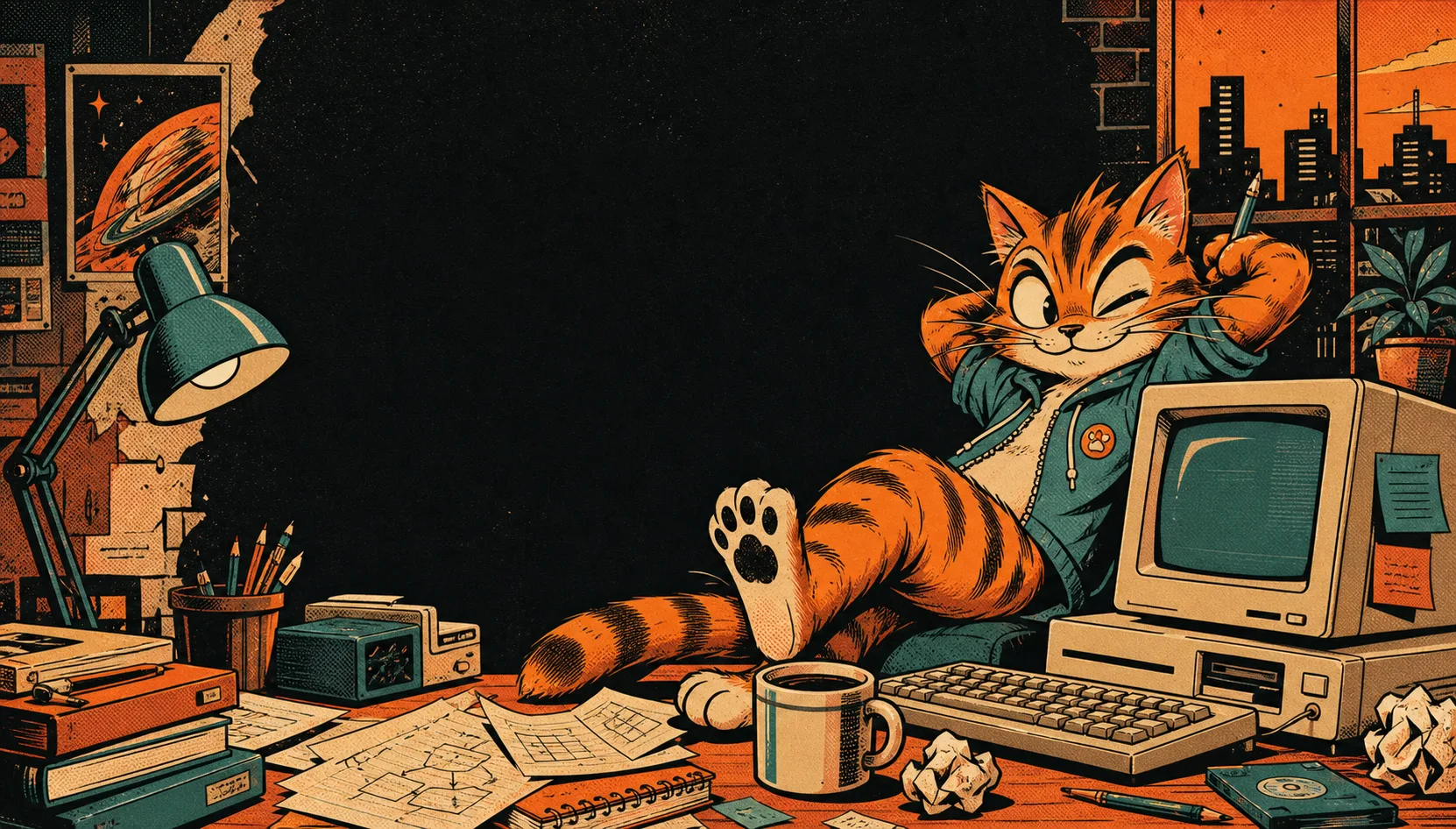
These original themes span lifestyle photography, cinematic portraiture, pixel art, and character illustration—not one gradient in four colors.

Honest compatibility
Clear boundaries matter more than a misleading one-click promise.
The ZIP is generated on your device and includes structured theme values. You can inspect, archive, modify, or share it when you have rights to the source image.
This page does not inject code, edit a signed bundle, or connect to a running desktop process. Applying the design requires a separate adapter reviewed for the current version.
Separating visual choices from app integration means you can carry the same mood to Codex, Claude, or another desktop client without claiming their internal structures are identical.
Frequently asked questions
Practical answers before you export.
No. The pack is a portable design asset, not an executable installer. Use only a current adapter that documents the supported ChatGPT Desktop version, platform paths, verification steps, and restore process.
Can I use any image? Use artwork you created, licensed, or have permission to redistribute. Avoid celebrity photos, copyrighted characters, brand logos, or another theme maker’s paid background unless the license clearly allows your intended use.
Will one skin work in Codex and Claude? The visual values can travel, but live integration is platform-specific. Start with the Codex skin generator or Claude desktop theme tool so the export records the correct target, then read the Electron custom CSS guide before adapting anything.
Learn before installing
Desktop app updates can change process names, routes, selectors, signing rules, and renderer behavior. Save your original image and GPT Skin ZIP as the source of truth. If an adapter breaks, restore the official appearance first, then review the current integration rather than permanently modifying the application.
Read the Electron theming guide