
Free online skin generator
Create Your Custom GPT Skin — Including Codex Dream Skin
Upload any image, tune the visual treatment, then preview your custom skin inside a real desktop-style workspace. GPT Skin builds a complete macOS Codex Dream Skin Studio installer locally in your browser, with no account and no image upload to our server.
- Runs locally
- No sign-up
- Installable macOS ZIP
Real skin, reversible install
The download includes the complete Codex Dream Skin Studio runtime, your image, the generated theme configuration, verification tools, and a one-click restore path.
Online theme studio
Generate Your GPT Skin Now
Choose a starting mood or upload your own image. The finished ZIP bundles the official Dream Skin Studio workflow and is created on this device.
LIVE PREVIEW
What will your workspace feel like?
Test contrast, focus, and atmosphere before you install anything.
Preview your theme behind real interface density...
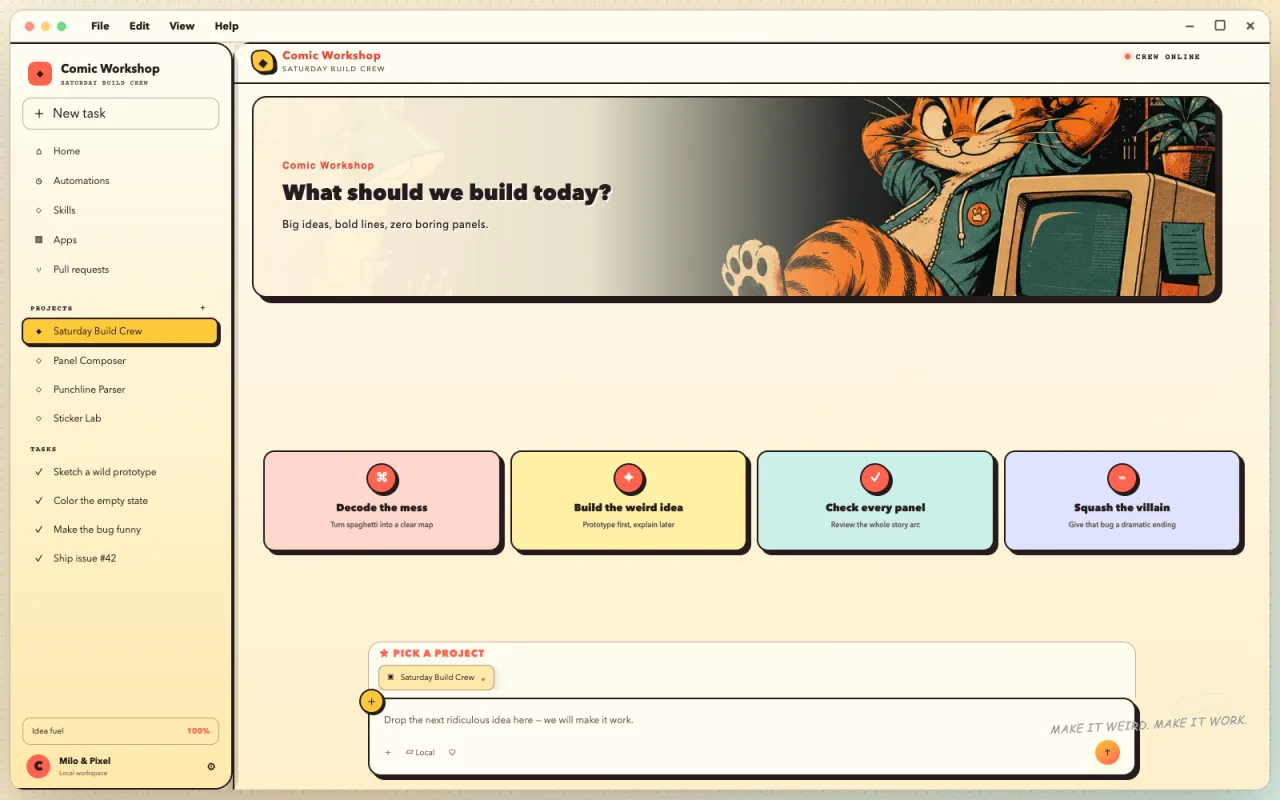
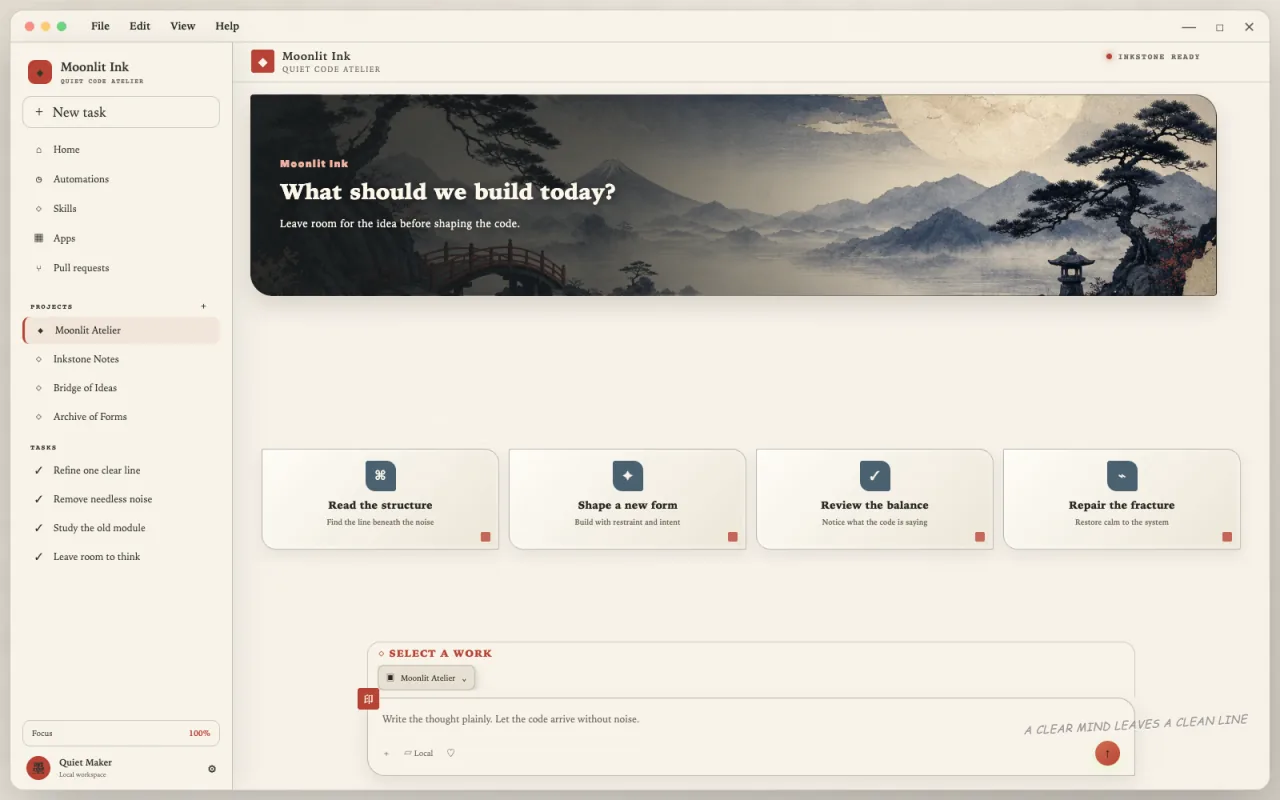
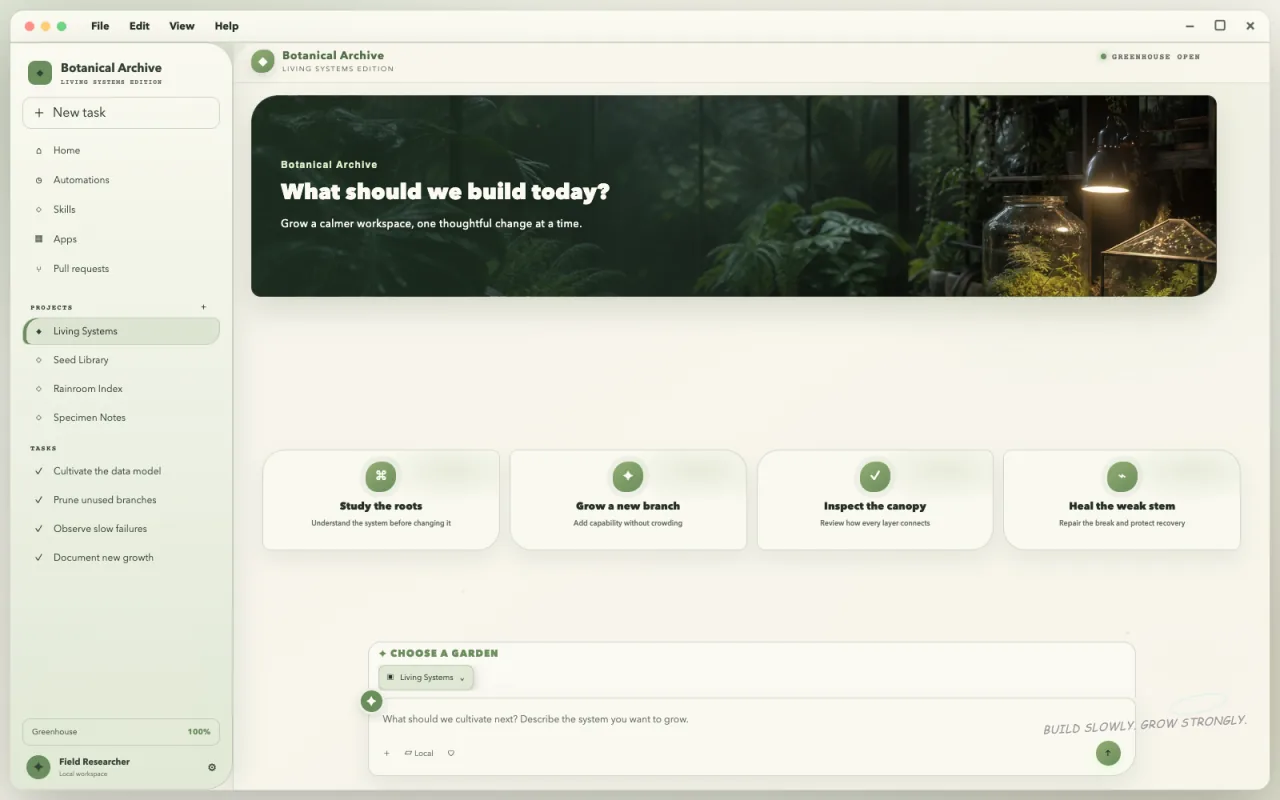
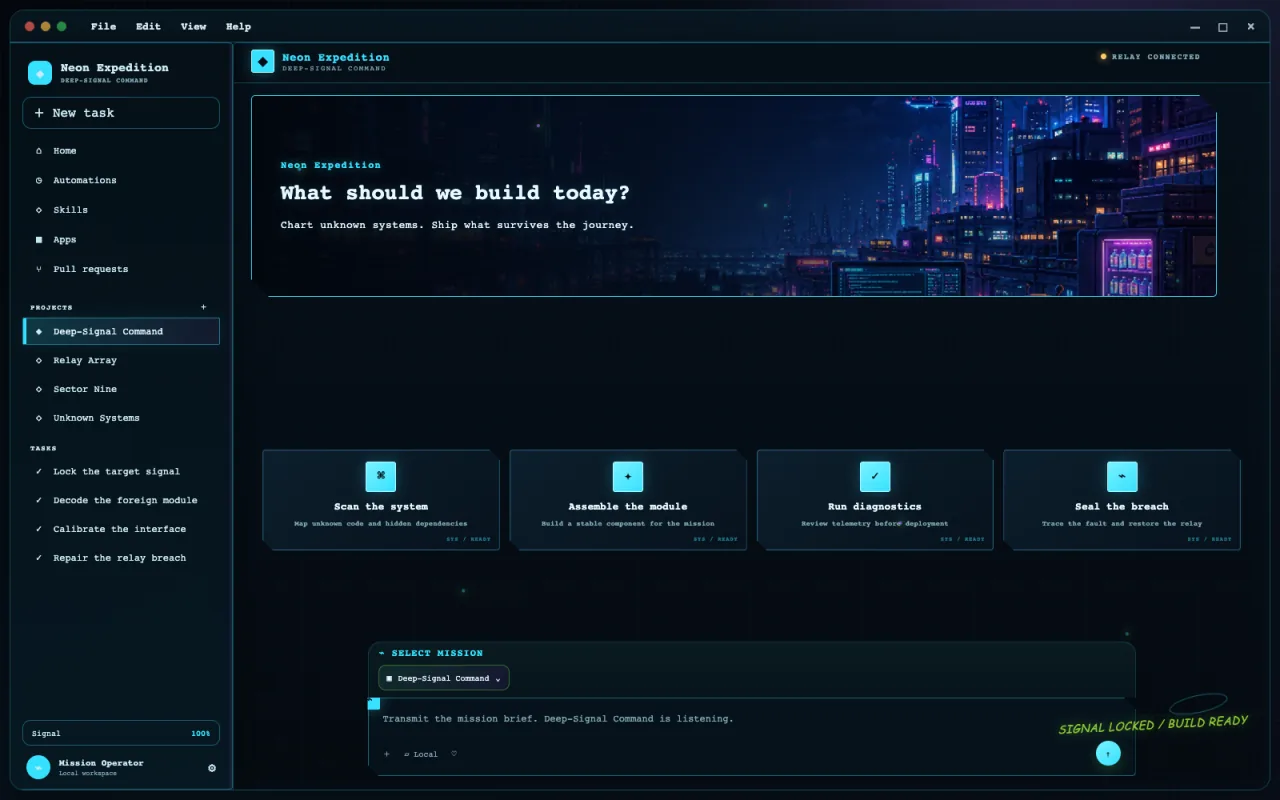
Ten complete skin ideas
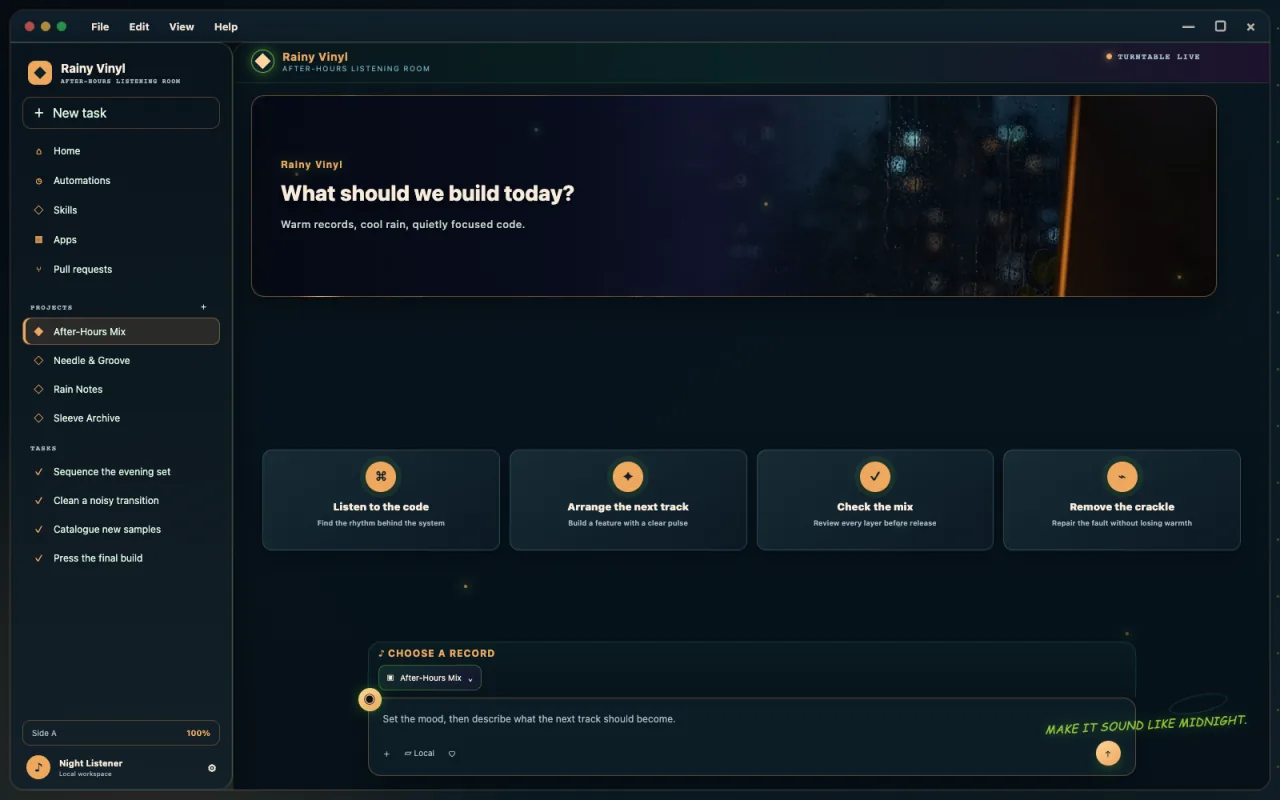
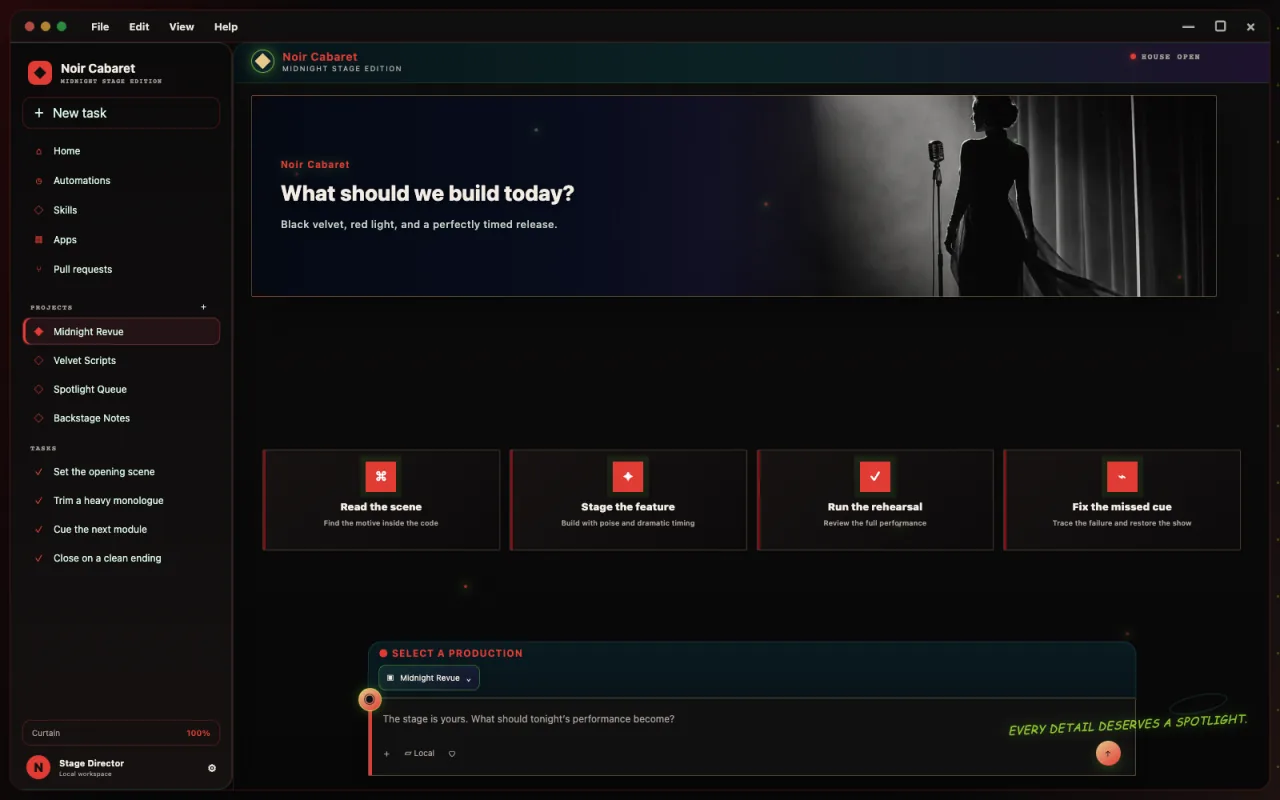
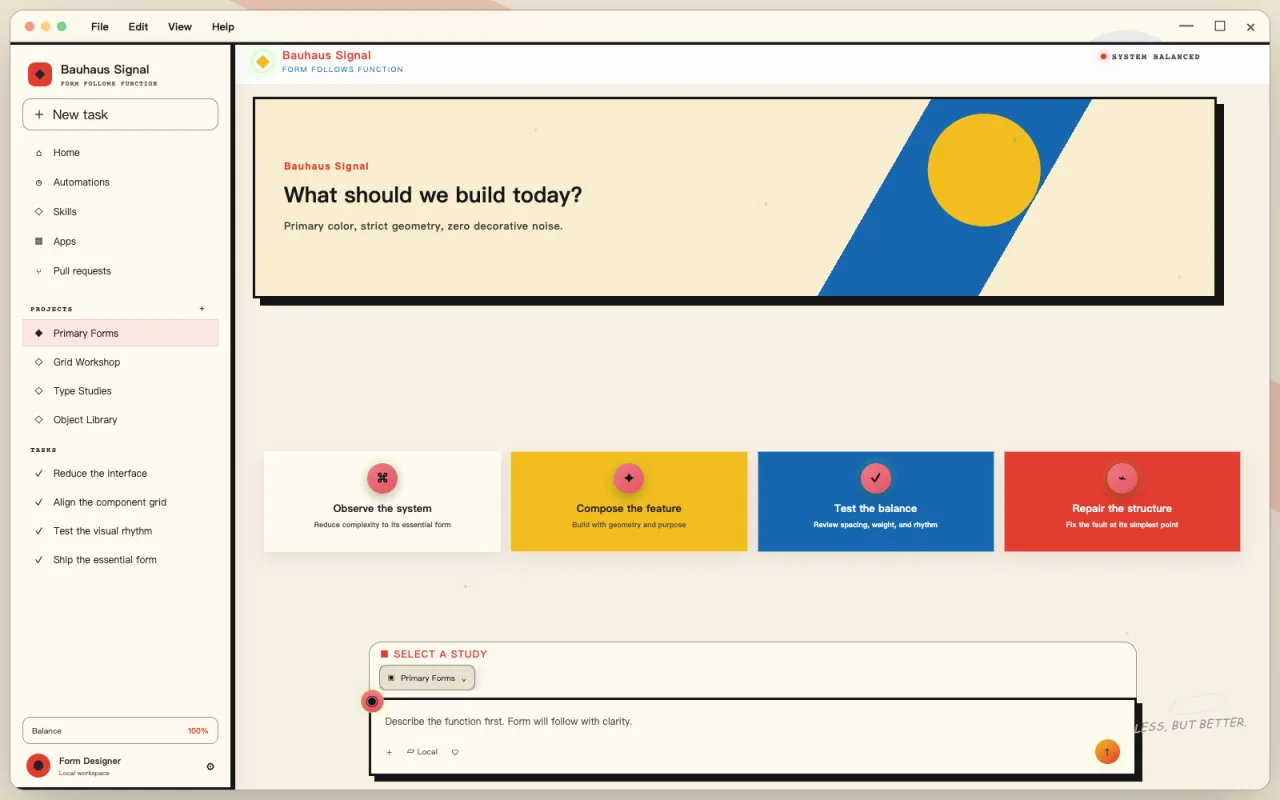
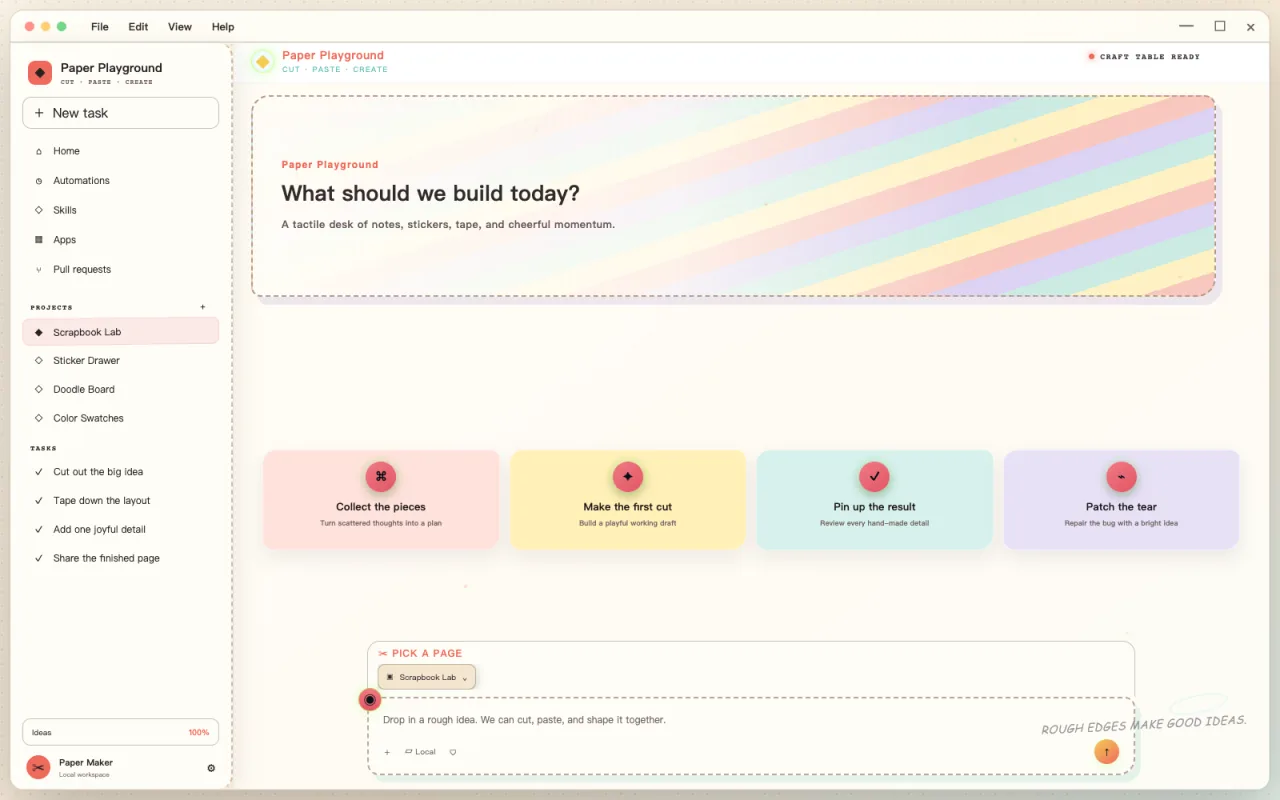
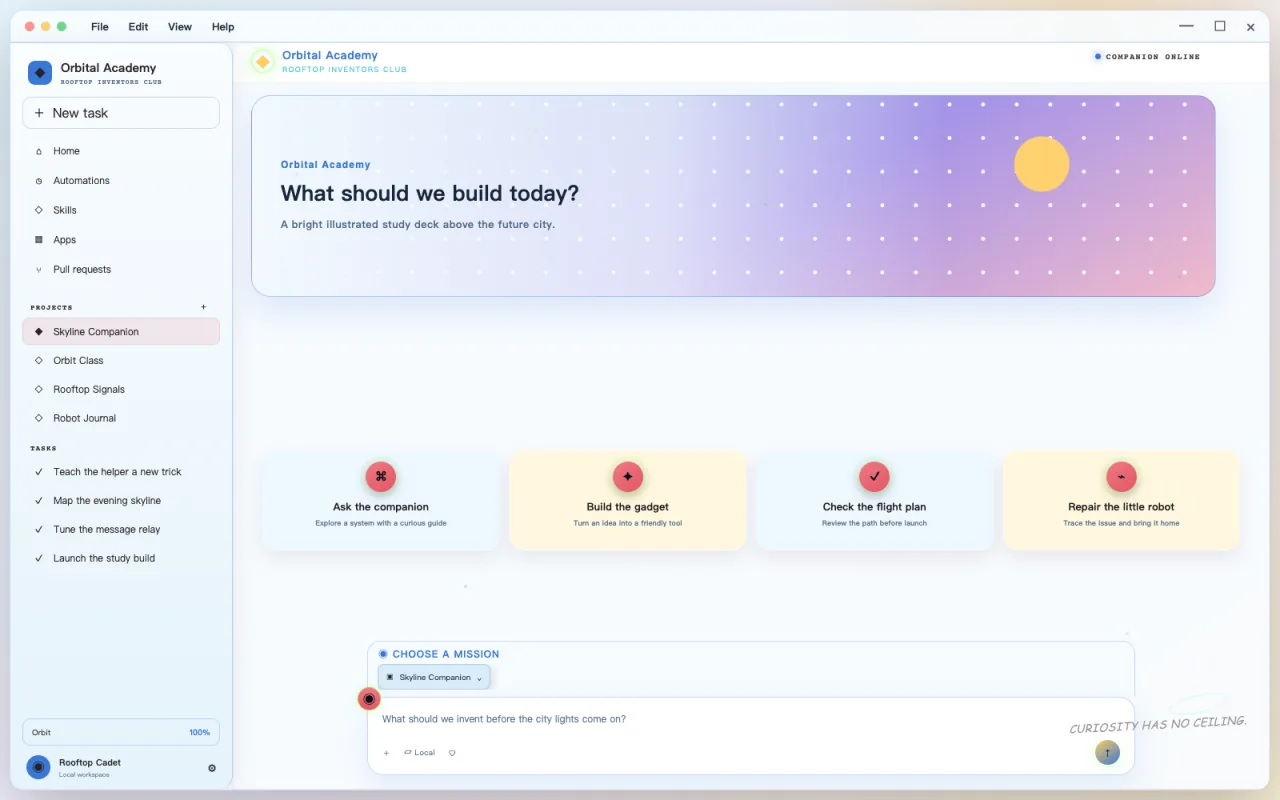
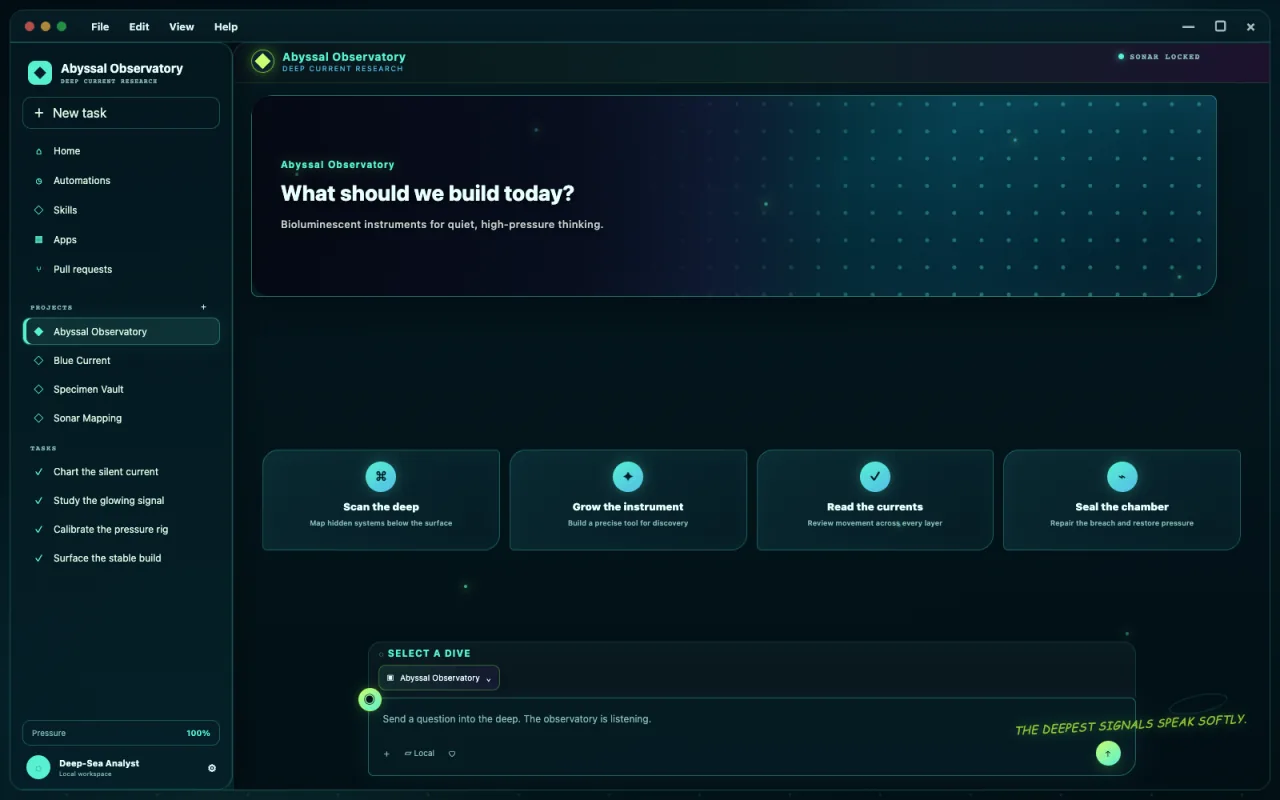
Not wallpapers. Entire Codex worlds.
Ten visual references showing how far a complete Codex skin can go. These are inspiration images only; upload your own artwork in the generator above to create a downloadable pack. The gallery never changes your current preview or download.
Start with the real question
Design, install, compare, or repair.
A theme is more than a wallpaper. Choose the path that matches what you need today, and keep compatibility work scoped to the app you actually run.
Codex Skin Generator
Build a Codex-focused pack with a live coding workspace preview and current installation guidance.
02ChatGPT Theme Builder
Create a reusable visual layer for the ChatGPT desktop workspace without changing the official app here.
03Claude Desktop Theme Tool
Prototype Claude colors and imagery locally while keeping installation claims platform-specific.
04Electron custom CSS guide
Learn what can be shared across Electron apps and what must stay inside a maintained adapter.
More than a wallpaper
A useful skin protects the work underneath.
The visual idea matters, but the quality test is whether Codex still behaves like Codex.
What “theme” means here
A GPT Skin download combines your artwork and theme configuration with the complete Codex Dream Skin Studio runtime. The same package styles the live sidebar, home banner, suggestion cards, project selector, task background, composer, borders, and accent system while keeping those controls native and interactive.
The included adapter validates the official Codex process, connects only through local loopback CDP, leaves decoration non-interactive, preserves keyboard focus and window resizing, and creates a reliable restore launcher. It never replaces the official application bundle or its signed code.
If you are new to the trend, begin with the plain-English Codex Dream Skin overview. If you already know what you want, use the generator above or open the dedicated Codex tool.
Why generation stays inside the browser
Theme artwork can be personal: a family photo, private workspace image, licensed illustration, or client-owned asset. The first GPT Skin release reads that file locally and builds the download on the same device. There is no account, image library, or server-side generation queue.
Local processing also makes the output easier to trust. The ZIP is inspectable, the manifest records the theme you selected, and the included MIT-licensed runtime contains the same install, verify, customize, and restore scripts used by Codex Dream Skin Studio.
Why the tool stays separate
Your design can survive an app update.
Desktop app structure can change after an update, so the generated ZIP includes Dream Skin Studio's verifier, signature checks, loopback ownership checks, and restore workflow instead of an unsupported CSS snippet.
The installable package targets the official macOS Codex Desktop app; latest-client installation compatibility has not been verified in this release. ChatGPT and Claude pages export portable design assets with manual adaptation instructions, without a native installer.
Read the complete creation guide