Is the exact build supported?
The adapter should name operating systems, application versions, paths, and known limits. “Works on Electron” is not specific enough to justify changing a desktop client.
 GPT Skin
Claude visual prototype
Use the Claude skin generator to preview a Claude desktop theme from your own image before exporting the visual specification locally. Adjust the readability layer and motion, inspect dense interface states, and keep installation separate from design.
Prototype, then verify
Anthropic provides official Claude desktop applications, but GPT Skin has not verified a public one-click skin interface. Use this page to create the reusable visual layer, not to assume Codex installation steps apply to Claude.
How it works
Upload an original or properly licensed image. Prefer a landscape composition with controlled detail, because Claude conversations can contain long analysis, code, artifacts, and changing tool content.
Use the veil to create a stable reading plane, then add only enough blur to suppress texture behind small labels. Verify the composer, navigation, cards, and secondary text rather than judging only the headline.
The ZIP records Claude Desktop as the intended platform and stores the artwork, manifest, and CSS variables. It does not include hidden selectors or an unverified application patch.
Platform-specific by design
Portable aesthetics can be shared; installation mechanisms cannot be assumed.
Codex Dream Skin documents a community adapter and concrete platform scripts. Claude Desktop is a different product with its own release process, packaging, renderer behavior, managed-device controls, and security boundary. Even when two applications use similar web technologies, their process identity, internal document structure, preload code, code signing, and update behavior may differ.
This tool therefore focuses on the part that is genuinely reusable: visual intent. Your image, contrast target, blur amount, text color, and naming can survive a product update or move to another client. A live adapter must be independently reviewed against the exact Claude build and operating system. The Codex versus Claude theme comparison explains which claims are verified and which remain prototypes.
That honest separation is useful for creators. You can develop a recognizable theme direction today, share screenshots or the portable pack, and wait for a reliable integration without locking the artwork to fragile selectors. If a future official theming surface appears, the same manifest can become the input instead of being discarded.
Featured directions
Choose among a botanical room, ink landscape, rainy music studio, or cinematic stage—each designed to support long reading and careful writing.
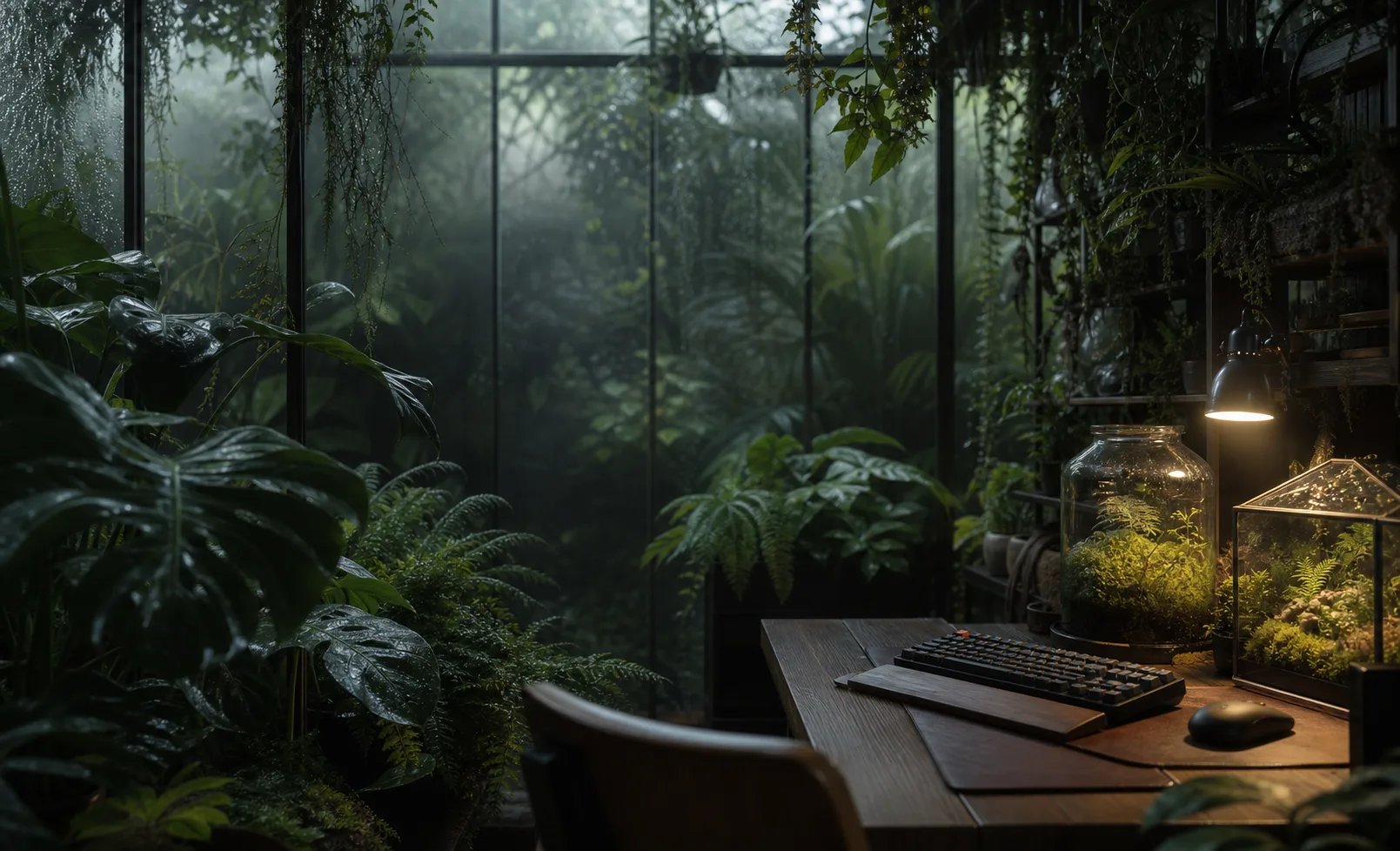


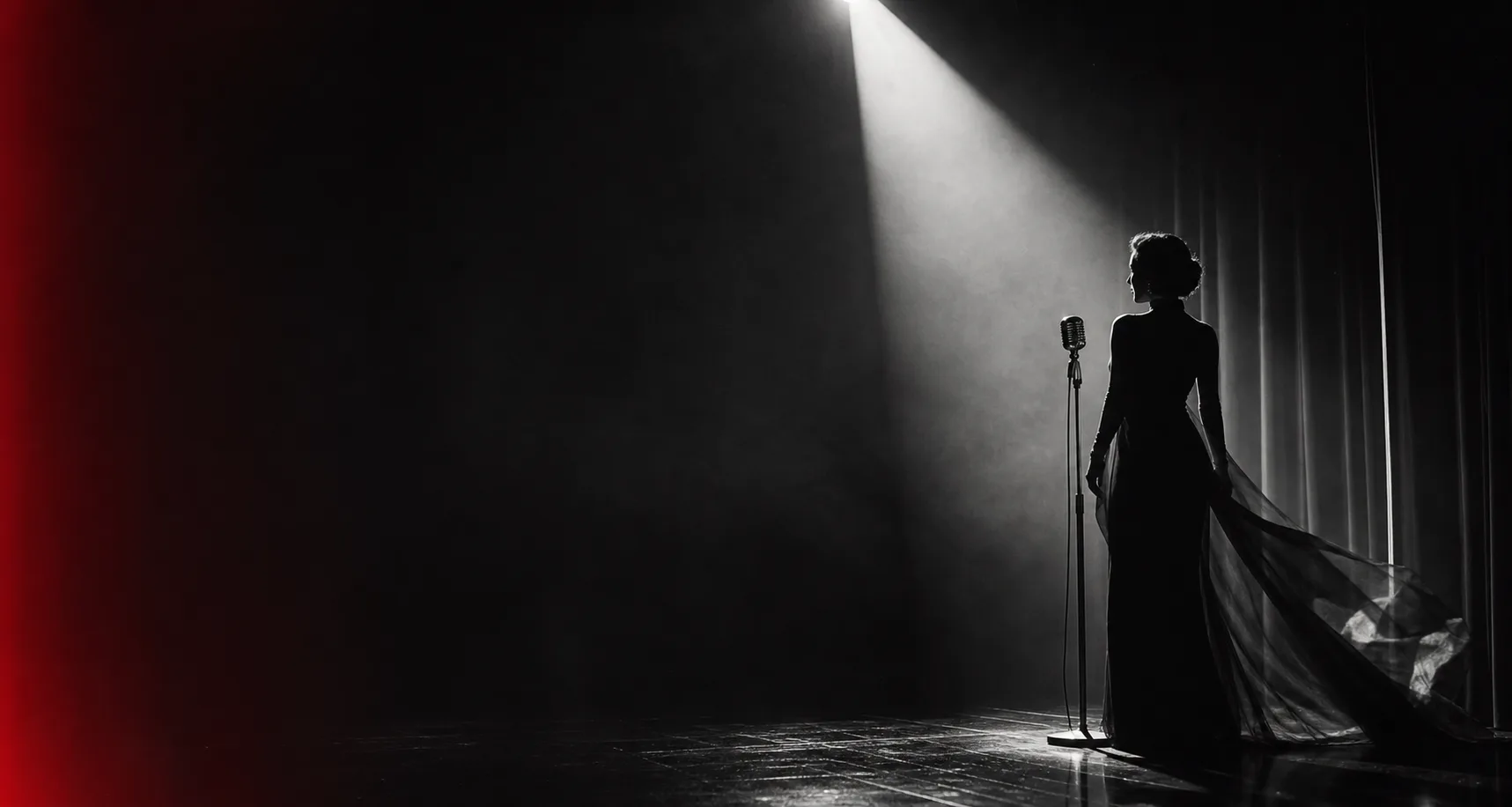
Before any installation
Use these questions if you evaluate a community integration later.
The adapter should name operating systems, application versions, paths, and known limits. “Works on Electron” is not specific enough to justify changing a desktop client.
You should know how to restore the official appearance before applying the theme. Back up user-created assets and avoid tools that permanently replace signed application resources.
After any integration, verify navigation, text selection, the composer, window resizing, keyboard focus, updates, and the expected security prompts. Decoration must never block interaction.
Frequently asked questions
Clear expectations for this first release.
No. It produces a local theme concept and portable pack. The page does not connect to Claude Desktop, edit its files, or claim an unofficial adapter is safe for your current version.
Can the same image be used in Codex? Yes. Open the Codex Dream Skin generator and import the image again so the manifest records the intended platform. You can keep the visual direction while tuning contrast for the different interface density.
Why offer the tool before an installer? Visual design and application integration move at different speeds. Separating them lets creators make assets, compare directions, and preserve their work without shipping unsupported patching code. Read the Electron custom CSS guide for the broader technical boundary.
Compare before adapting
Choose the Codex tool when you want a documented community path, the ChatGPT builder for the unified desktop visual direction, and this Claude tool for a cautious prototype. The theme pack is portable; the installer must always be current and platform-specific. Keep the original image and exported manifest together so future integrations start from a known visual source.
Read the Codex vs Claude comparison